Having internet access is one of the first things you may need after arriving in Korea.
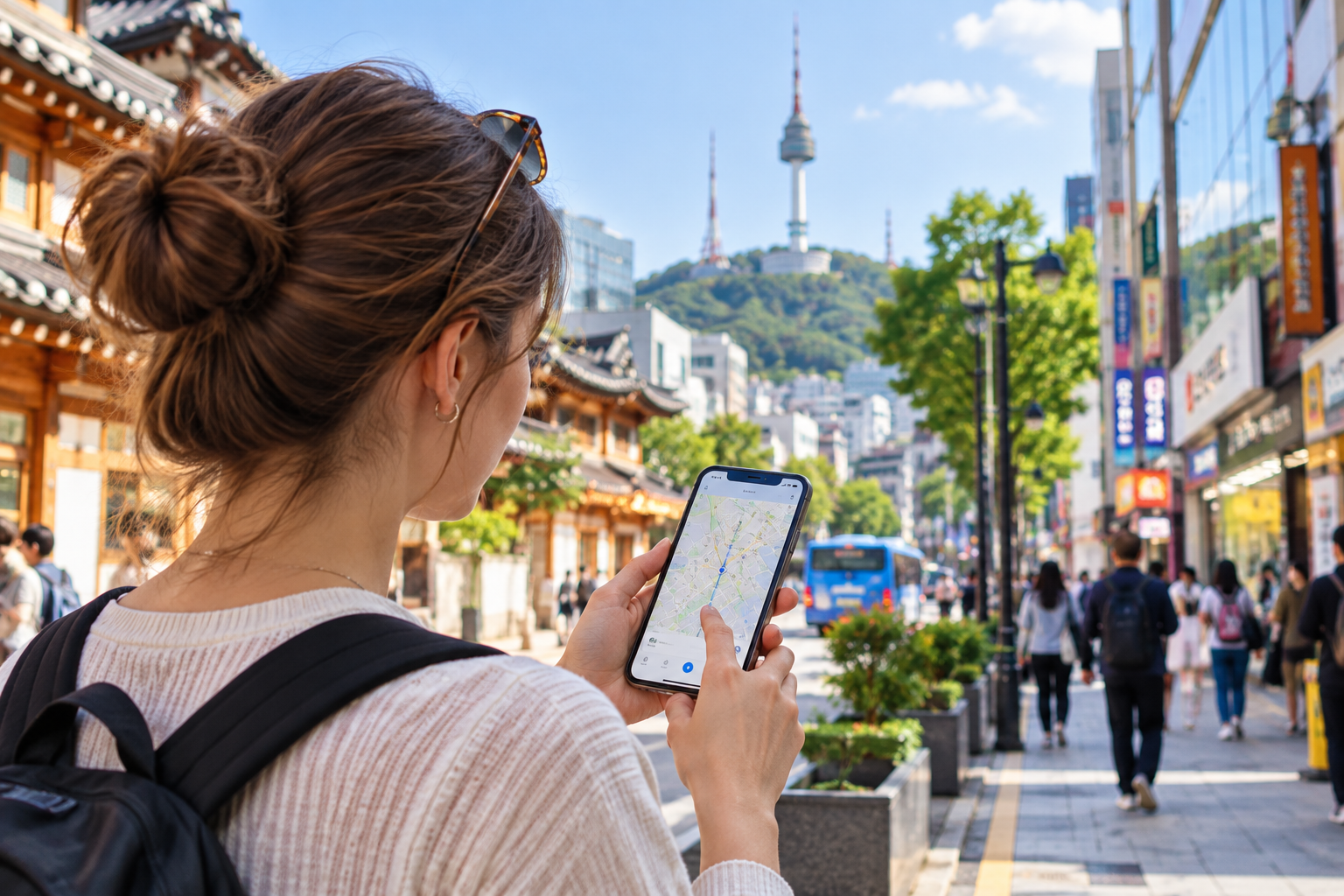
You may need mobile data to find your way from the airport, check subway exits on NAVER Map, use translation apps, or look up your accommodation.
Travelers in Korea can use several options, including eSIMs, prepaid SIM cards (USIM), and free Wi-Fi.
The best choice depends on your phone and how you plan to use mobile data during your trip.
1. First, Check Whether Your Phone Supports eSIM
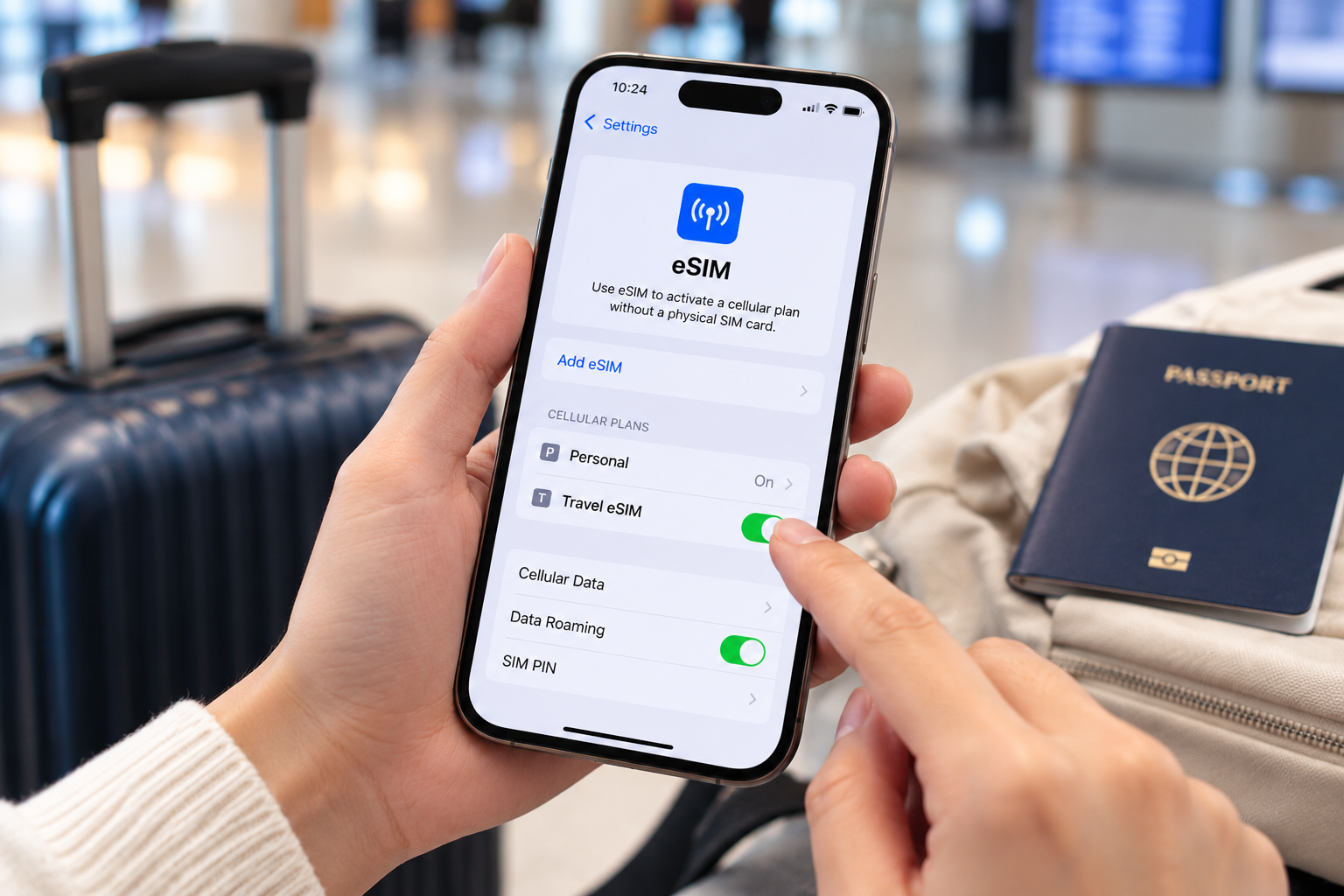
An eSIM allows you to connect to a mobile network without physically replacing the SIM card in your phone.
Travel eSIMs are usually purchased online and installed using a QR code or the provider's installation instructions.
Before buying one, check two important things:
Does your phone support eSIM?
Is your phone carrier-unlocked?
Not every phone supports eSIM, and compatibility can vary depending on the model and country where the phone was purchased.
If your phone is compatible, an eSIM can be a convenient option because you can prepare it before arriving in Korea.
2. If eSIM Is Not an Option, You Can Buy a Prepaid SIM Card in Korea
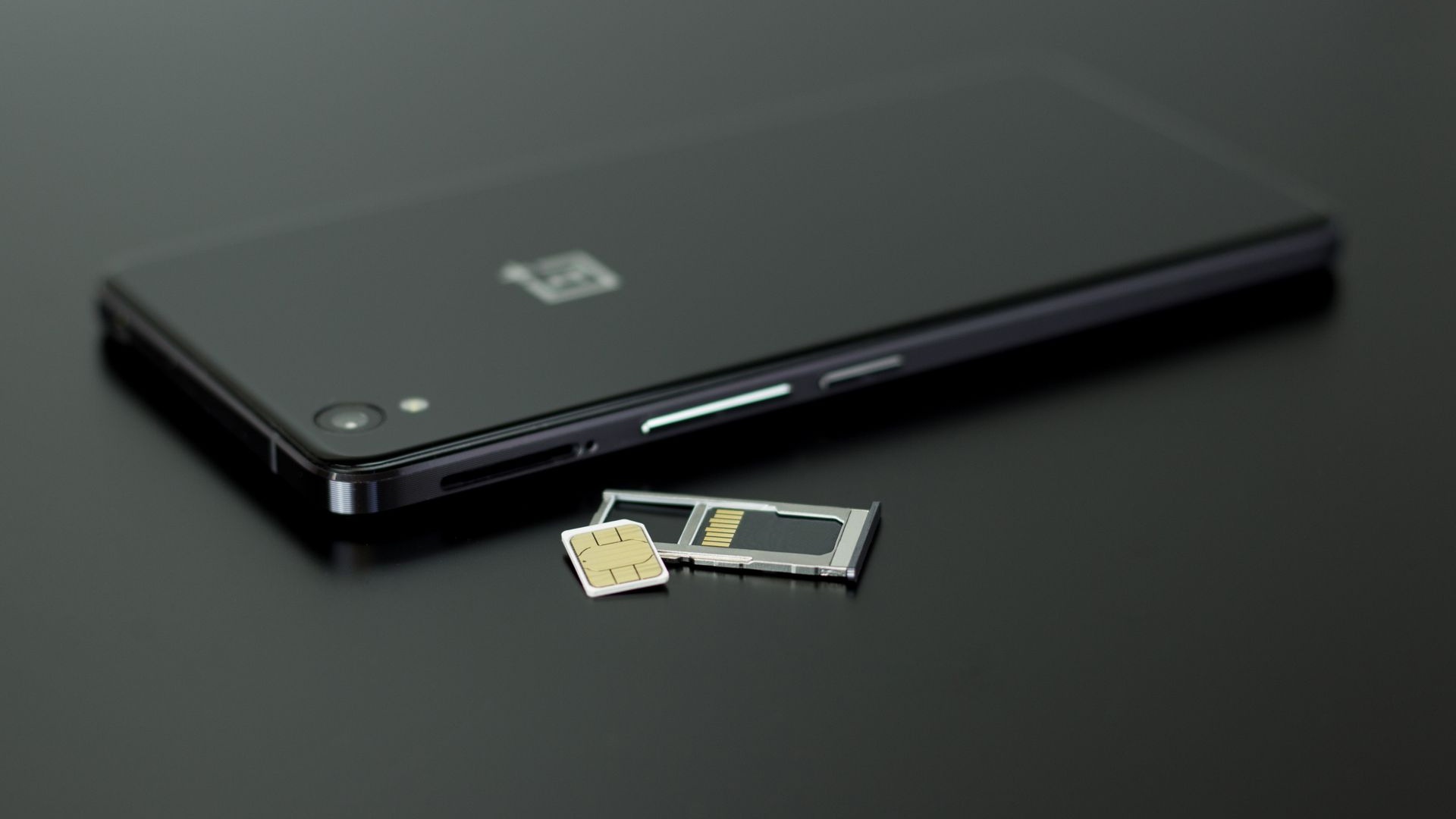
If you prefer a physical SIM card, prepaid traveler SIM cards are available in Korea.
International travelers can find SIM services at major international airports, including carrier roaming centers. Some products can also be purchased online in advance and picked up after arrival.
If you plan to buy one at the airport, check the pickup location and operating hours before your flight, especially if you are arriving late at night.
3. Check Whether You Need a Korean Phone Number
Not every travel SIM or eSIM includes the same services.
Some plans provide only mobile data, while others may include voice calls, SMS, or a Korean phone number.
Before purchasing, check:
Data / Voice Call / SMS / Korean Phone Number / Validity
If a product says “Data Only,” do not assume that it includes regular phone calls or a Korean number.
If you expect to call accommodations, restaurants, or other local services, checking this before purchase can prevent problems later.
4. You Can Also Get Connected After Arriving at the Airport
If you did not prepare an eSIM or SIM card before your trip, you can still arrange mobile service after arriving in Korea.
Major international airports have carrier roaming centers where travelers can ask about SIM cards and roaming services.
However, you may need internet immediately after landing to check your accommodation address, transportation route, or translation app.
If you plan to buy your SIM after arrival, it is useful to know where the counter is and when it is open before you travel.
5. Can You Travel Around Korea Using Only Free Wi-Fi?
Free Wi-Fi is available in many places in Korea, including airports, transportation facilities, cafés, and accommodations.
It can be very useful, but relying entirely on free Wi-Fi may be inconvenient while you are moving around.
For example, you may need to check a bus route or search for a restaurant while walking outside, where a usable Wi-Fi connection may not be available.
For travelers who frequently use maps and translation apps, having mobile data and using free Wi-Fi when convenient is usually the more practical setup.
6. Once You Are Connected, Set Up Your Navigation Apps
After getting internet access, make sure the apps you will need during your trip are ready.
In Korea, NAVER Map and KakaoMap can be particularly useful for public transportation, walking directions, subway exits, and finding local businesses.
Installing these apps while connected to airport or hotel Wi-Fi can also be useful if you have not prepared them before your trip.
👉 Related Guide: How to Navigate Korea: NAVER Map, Korean Addresses & Subway Exit Numbers
A Simple Internet Setup for Your Korea Trip
You do not need to make this complicated.
① Check whether your phone supports eSIM before departure
② If using eSIM, check compatibility and prepare the installation
③ If you prefer a physical SIM, check airport pickup or sales locations
④ Decide whether you need data only or a Korean phone number
⑤ Confirm your connection after arriving in Korea
⑥ Set up NAVER Map and other essential travel apps
Free Wi-Fi is useful, but if you plan to use maps and translation services while moving around Korea, having your own mobile data connection can make traveling much easier.
👉 Official Information: VISITKOREA – Electricity & Communications
🇰🇷 Korean Version
Want to read this article in Korean?
👉 READ THE KOREAN VERSION HERE


